Create Stunning App Store Screenshots That Tell a Story
Turn your app screenshots into a compelling visual story that showcases your app, highlights its best features, and helps drive more downloads.
Lowest prices online for the highest quality app-store screenshots.
One master canvas · 5 screens
Gradient, type and device framing flow across screen boundaries
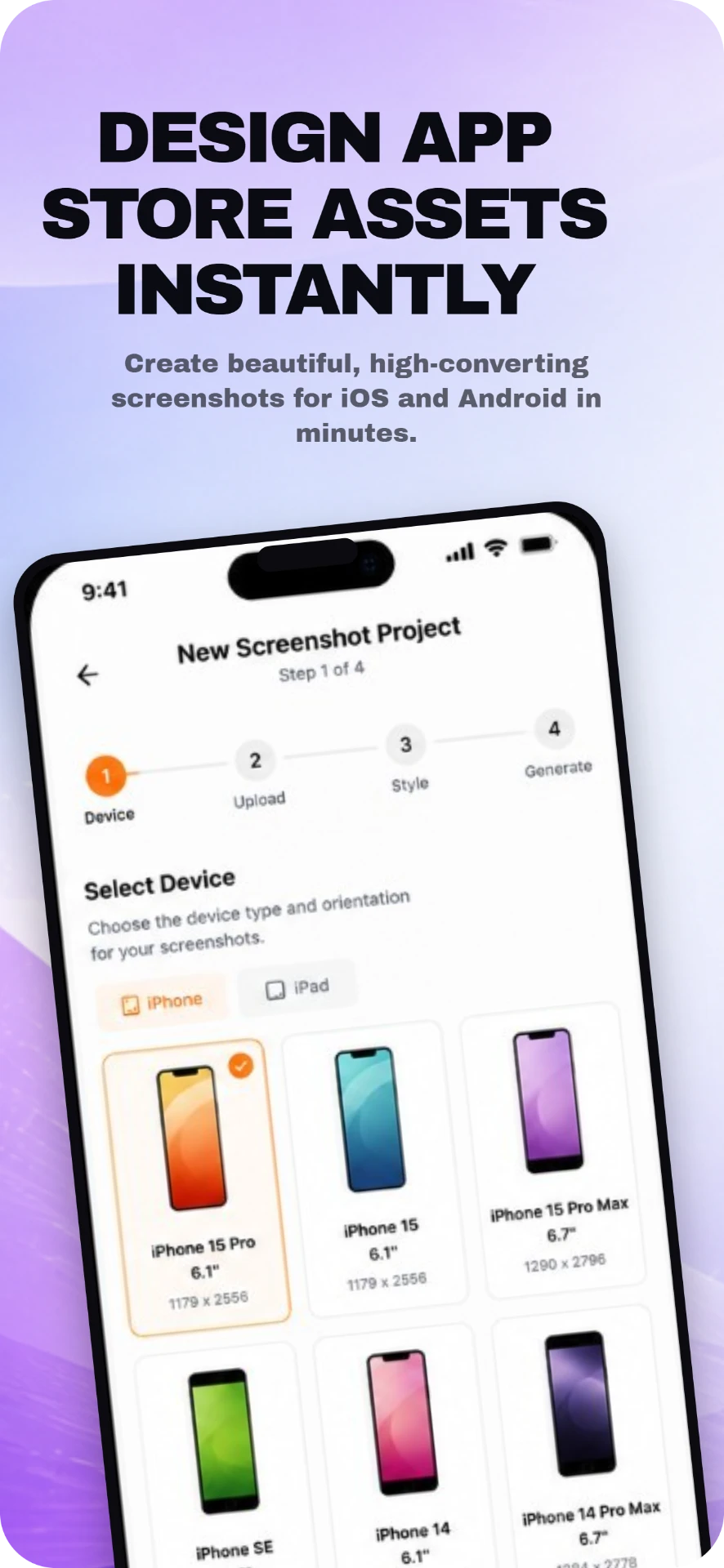
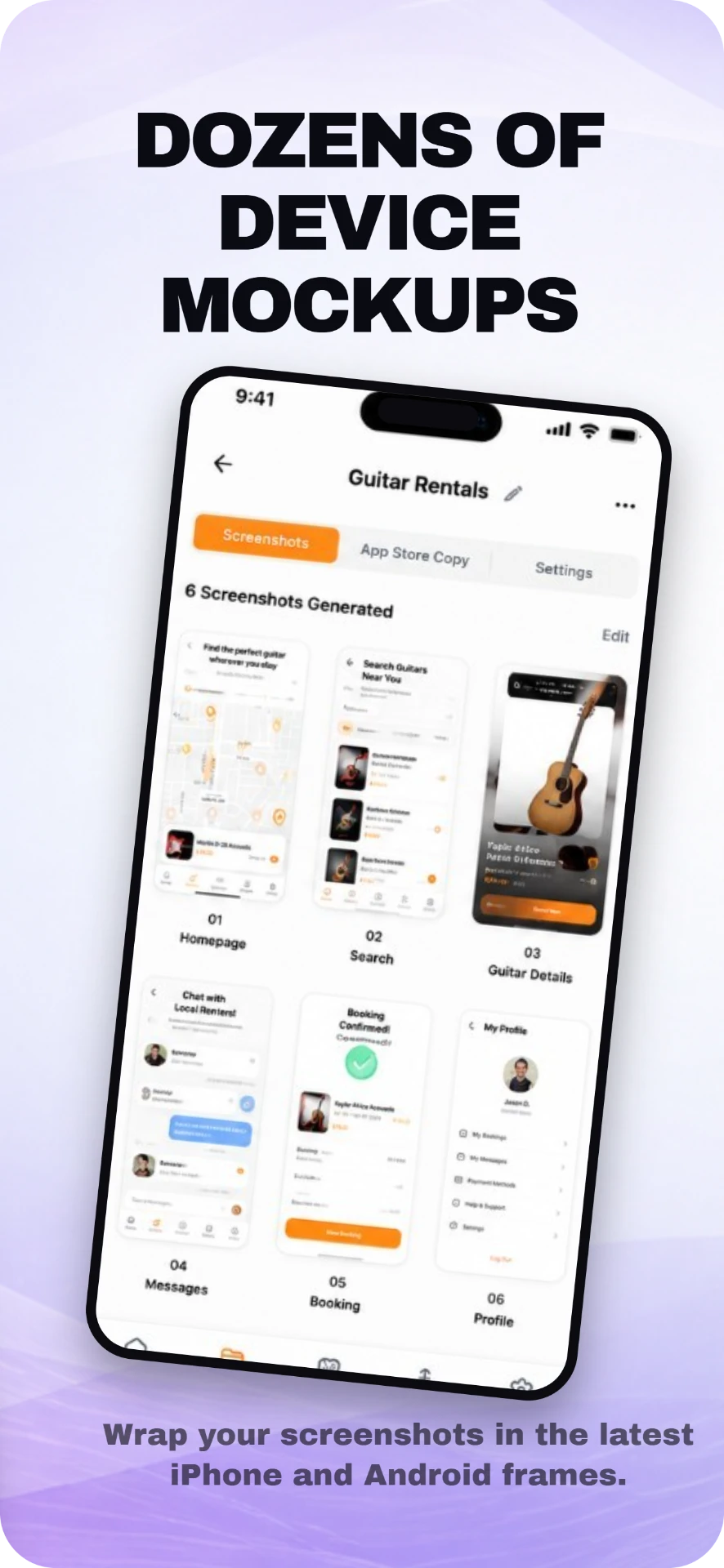
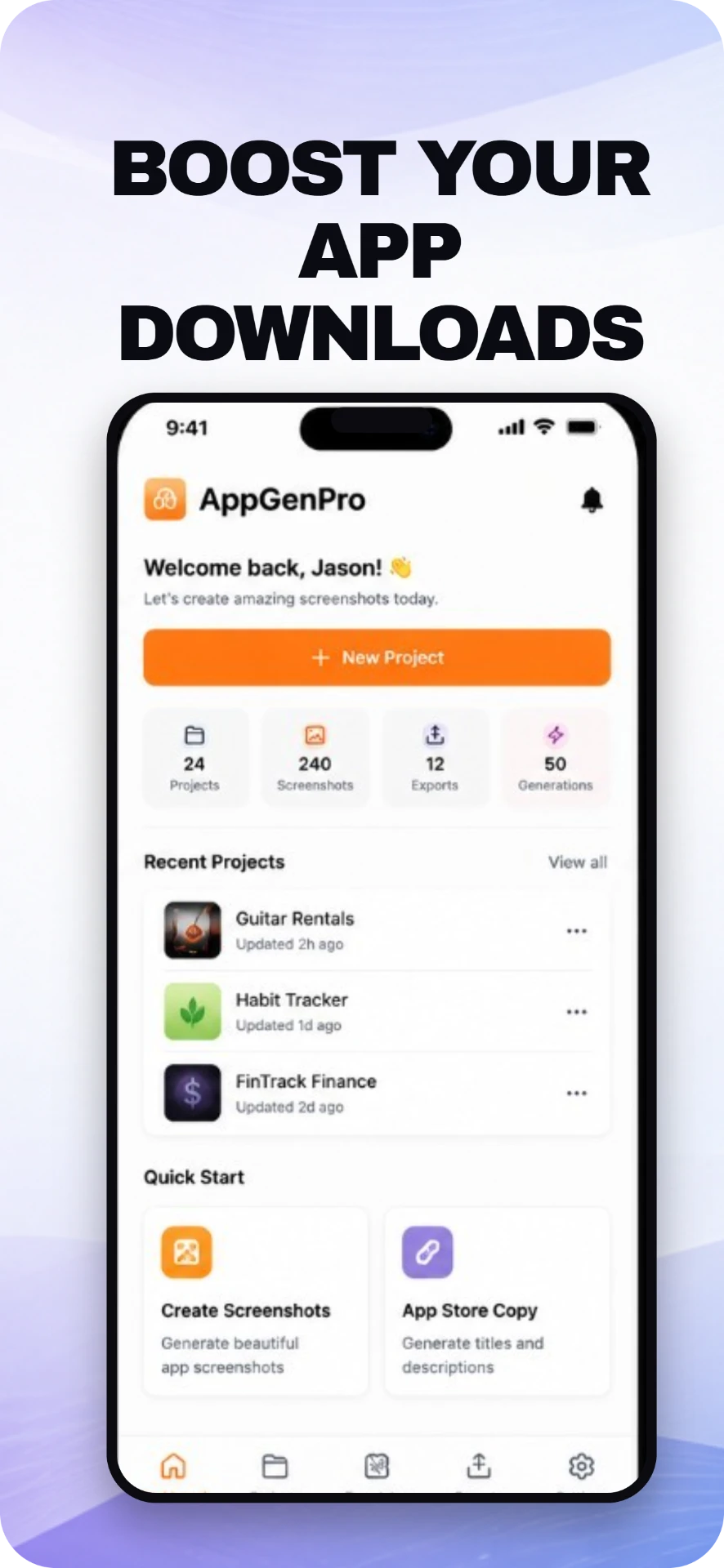
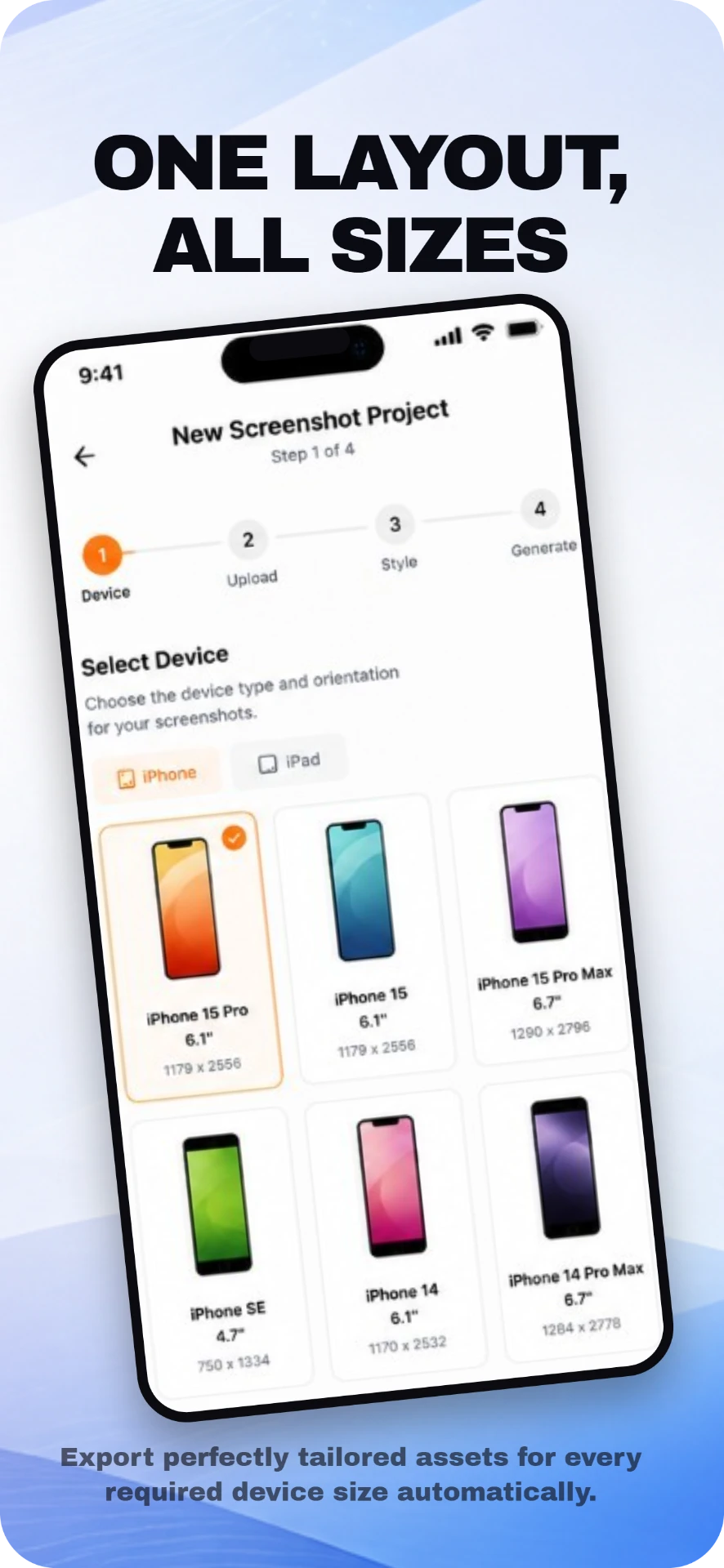
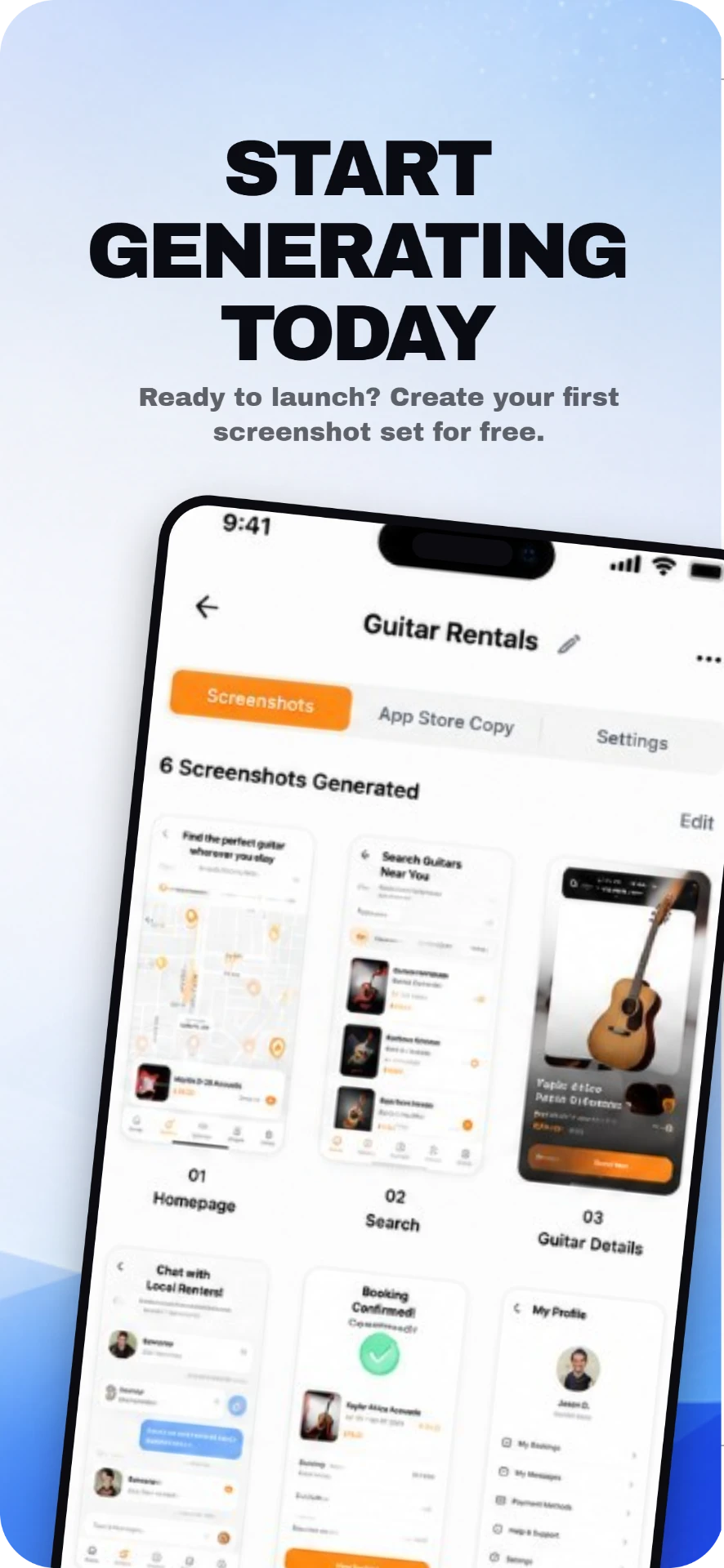
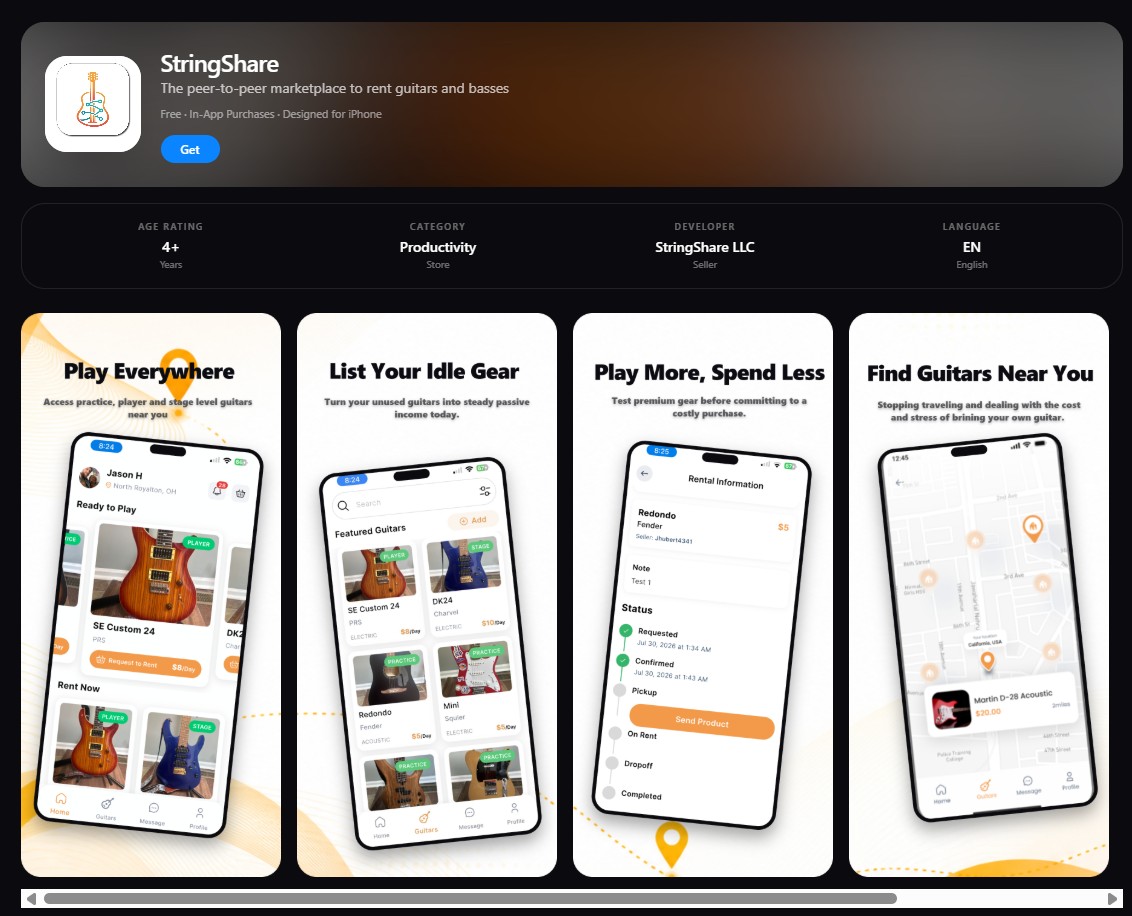
See your listing exactly as shoppers will.
Drop in your icon, name and subtitle, and the App Store simulator renders your full product page with store-exact rounded screenshots — before you ever upload to App Store Connect.
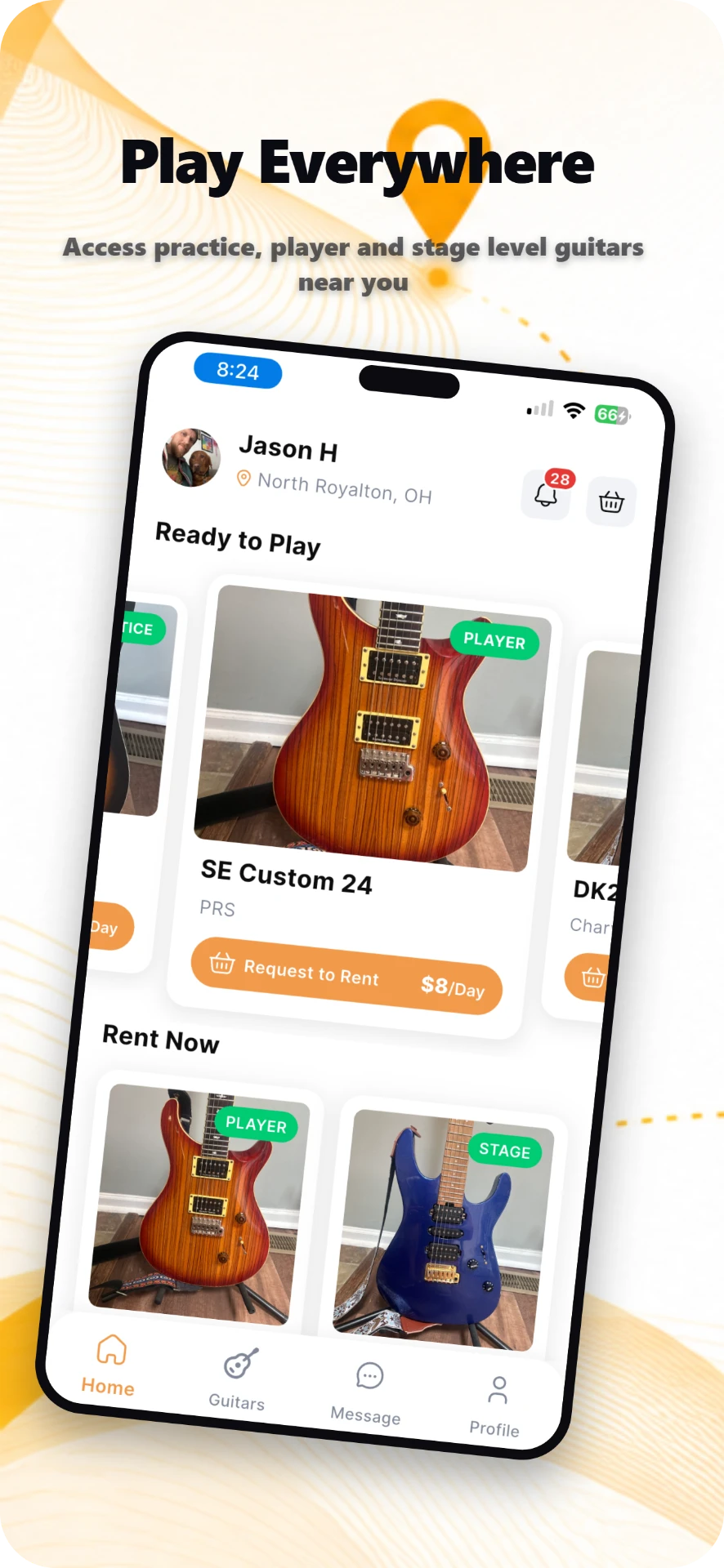
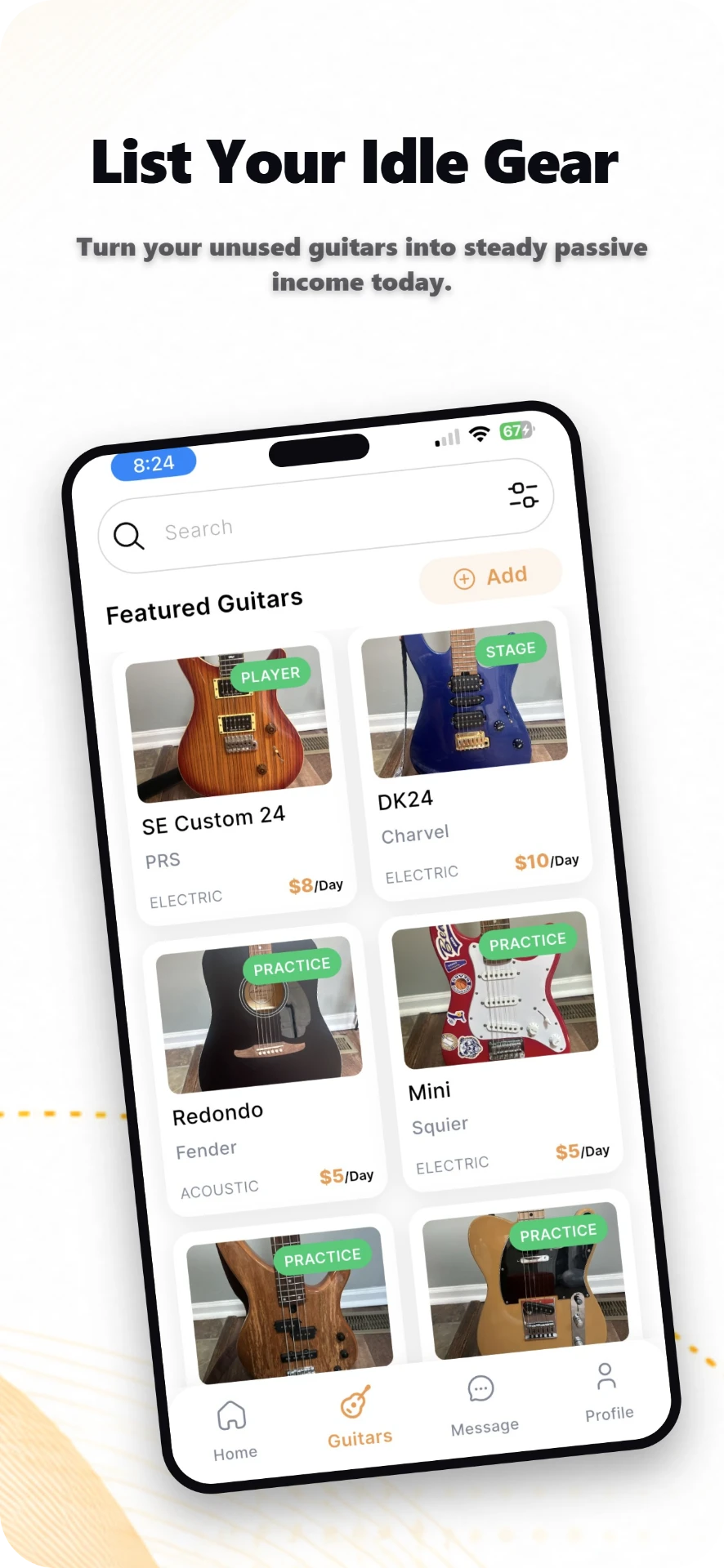
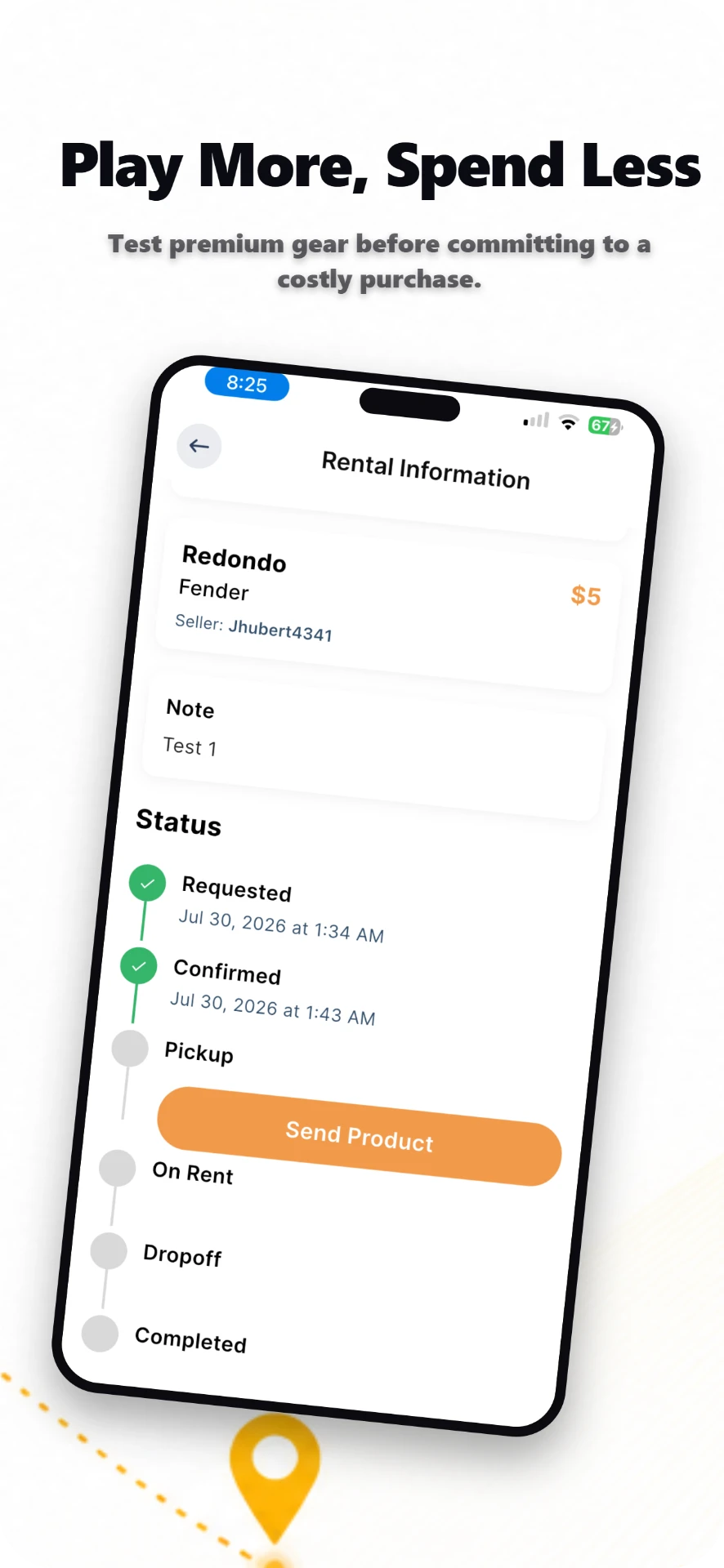
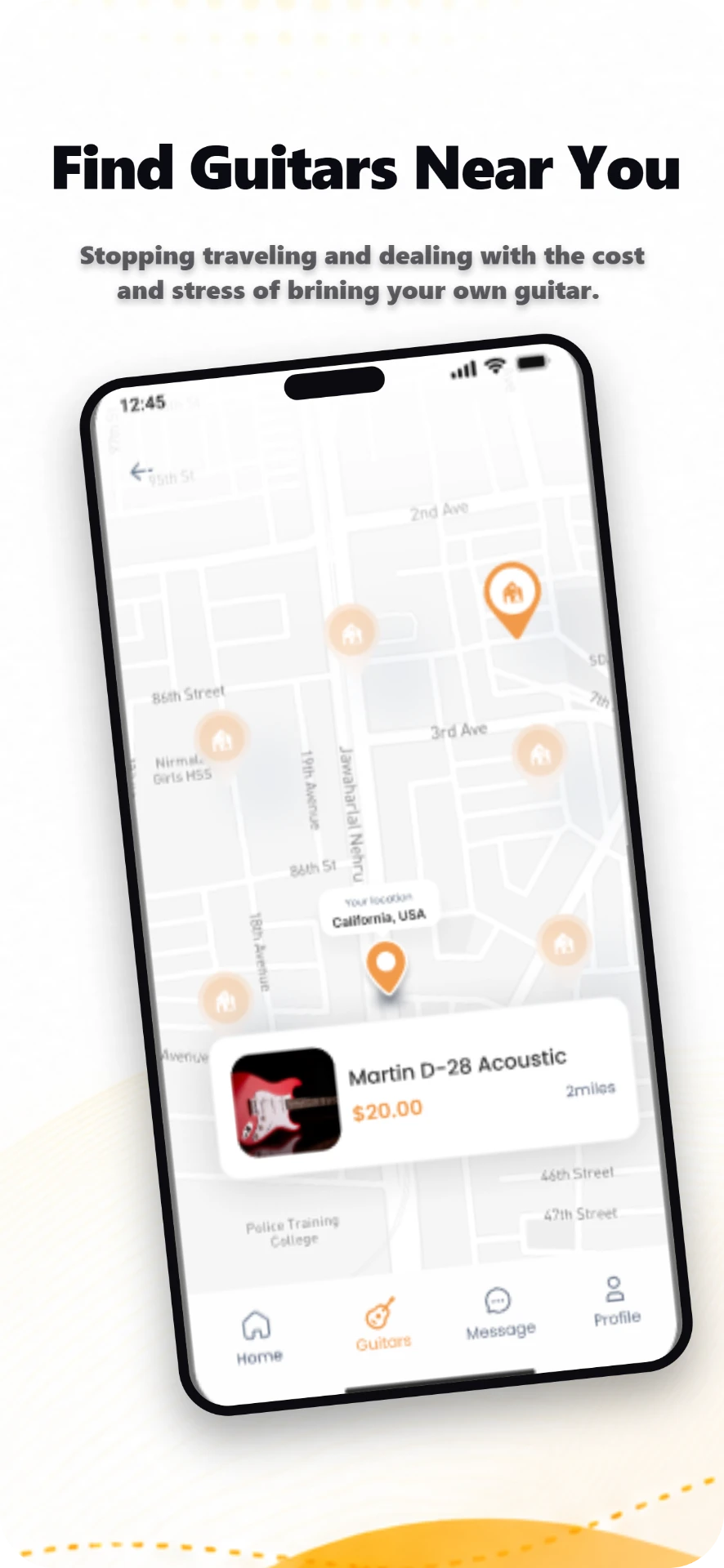
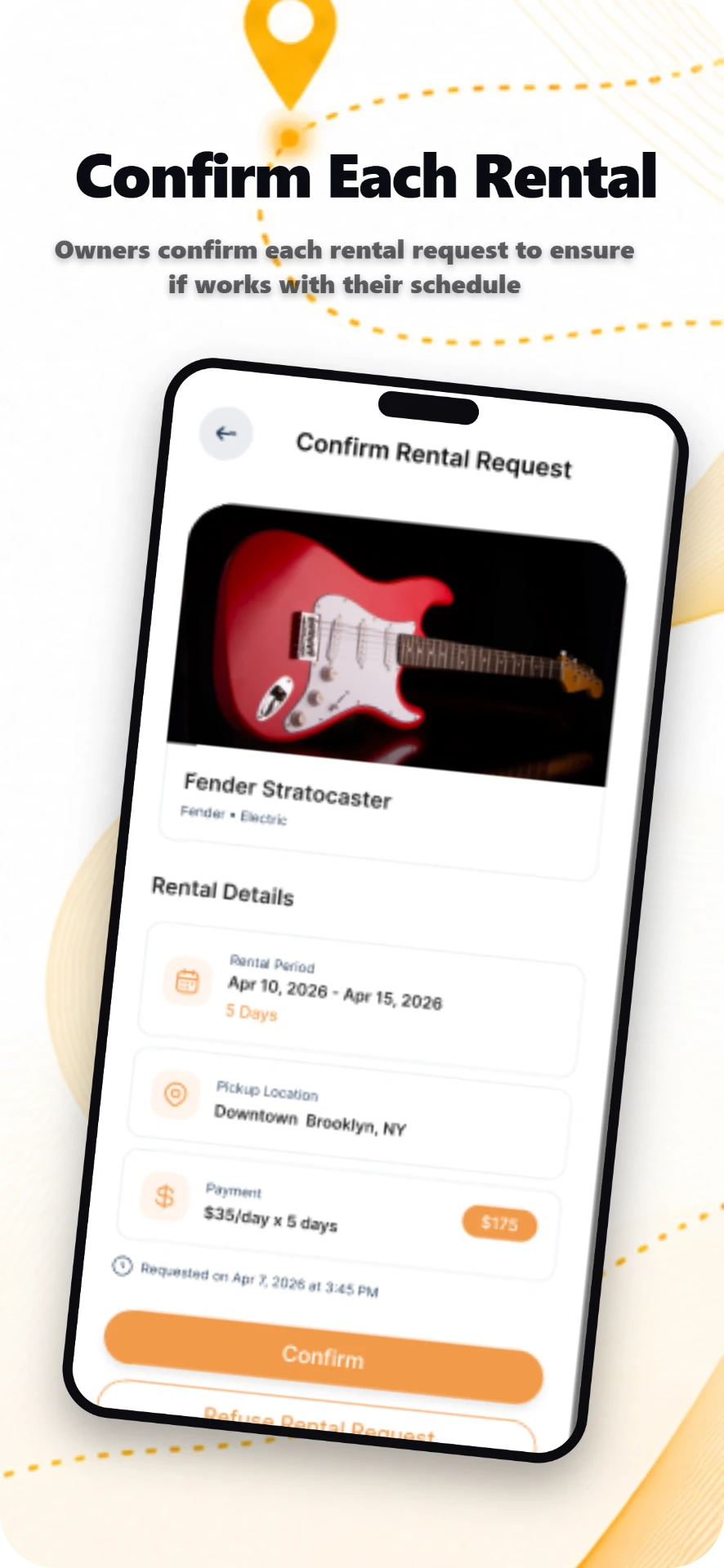
The exported screenshot set
Five screens from one storyboard: the flowing background, dotted path and pin travel from screen to screen instead of restarting each time.
0
App professionals
0
Screenshots exported
Not six images. One composition, cropped six ways.
Backgrounds, gradients, shapes, typography and illustration continue across screenshots, so the set reads as an intentional collection the second someone swipes.
AI analyses your website
Brand colours, features, audience and marketing language, extracted automatically.
Choose your visual style
Ten premium directions, or let AI recommend the right one for your product.
Pick 3, 5 or 6 screenshots
The count sets the length of the visual storyboard, not the number of images.
AI designs the whole storyboard
One master canvas — every screen composed in relation to its neighbours.
Edit every screenshot
Type, imagery, backgrounds, device frames and cross-screen elements.
Export production-ready PNGs
Individual crops, the full storyboard, or a ZIP at store-exact sizes.
Your store listing deserves a narrative.
Hero, feature, benefit, differentiator, call to action — designed together, exported perfectly aligned.
Create Your Screenshot Set